Click, Dial, Save 1990s Computer Basics Quiz Next Level


Quiz Complete!
Click, Dial, Save: Everyday Computer Basics from the 1990s
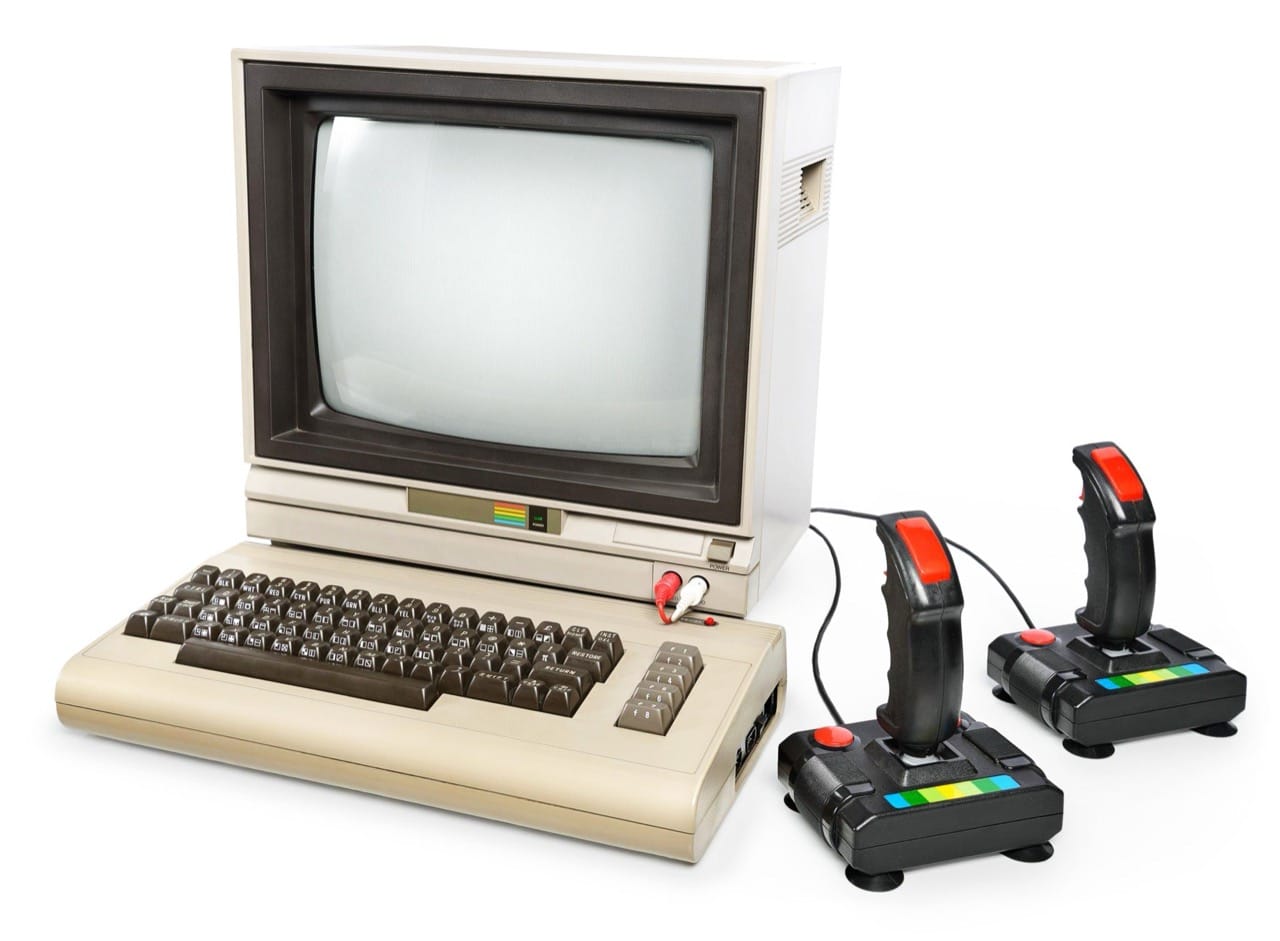
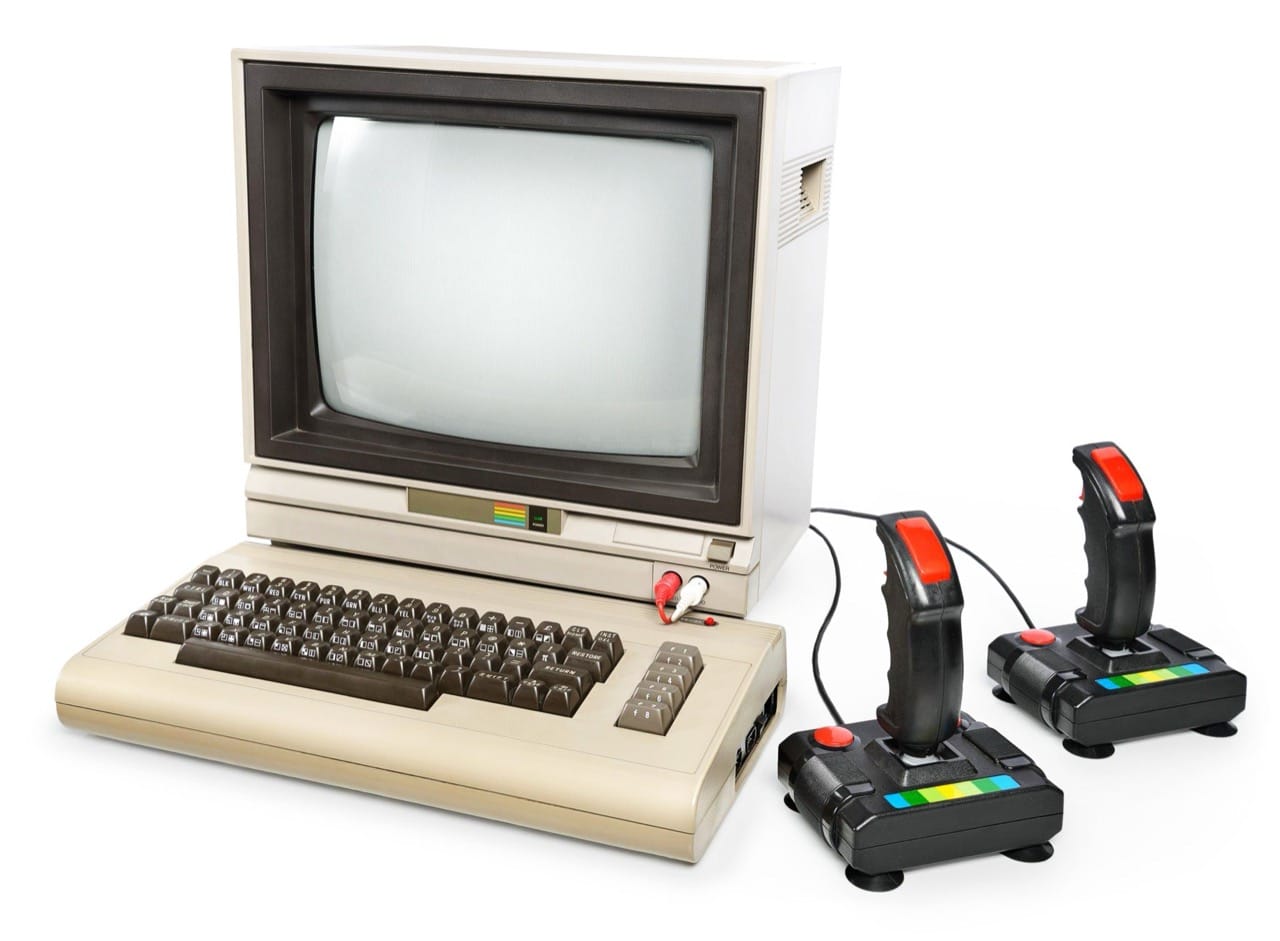
For many people, 1990s computing was the first time a home computer felt like a practical tool rather than a hobbyist’s project. Desktops were dominated by bulky CRT monitors, beige towers, and keyboards that could take a pounding. Booting up was an event: you listened to fans spin, watched memory counts, and hoped the system would land you safely on a familiar desktop instead of an error message. The decade’s technology looks slow by modern standards, but it taught a generation the basic building blocks of personal computing.
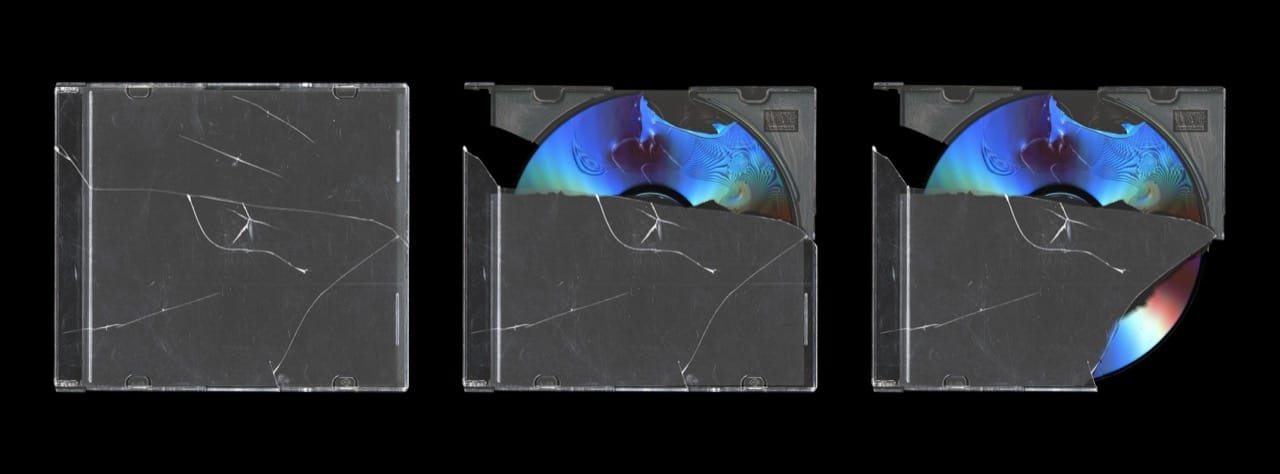
Storage was a daily concern. The 3.5 inch floppy disk, typically holding 1.44 MB, was the pocket-sized workhorse for school assignments and small programs. It was also fragile: magnets, dust, and even a bad drive could ruin a disk. As software grew, installing from multiple floppies became normal, and one unreadable disk could derail the whole process. CD-ROMs changed expectations by offering hundreds of megabytes, enabling encyclopedias, games with full-motion video, and big applications that would have been unthinkable on floppies alone. Later in the decade, recordable CDs appeared, but early CD burners were expensive and slow, and not every player could read every burned disc.
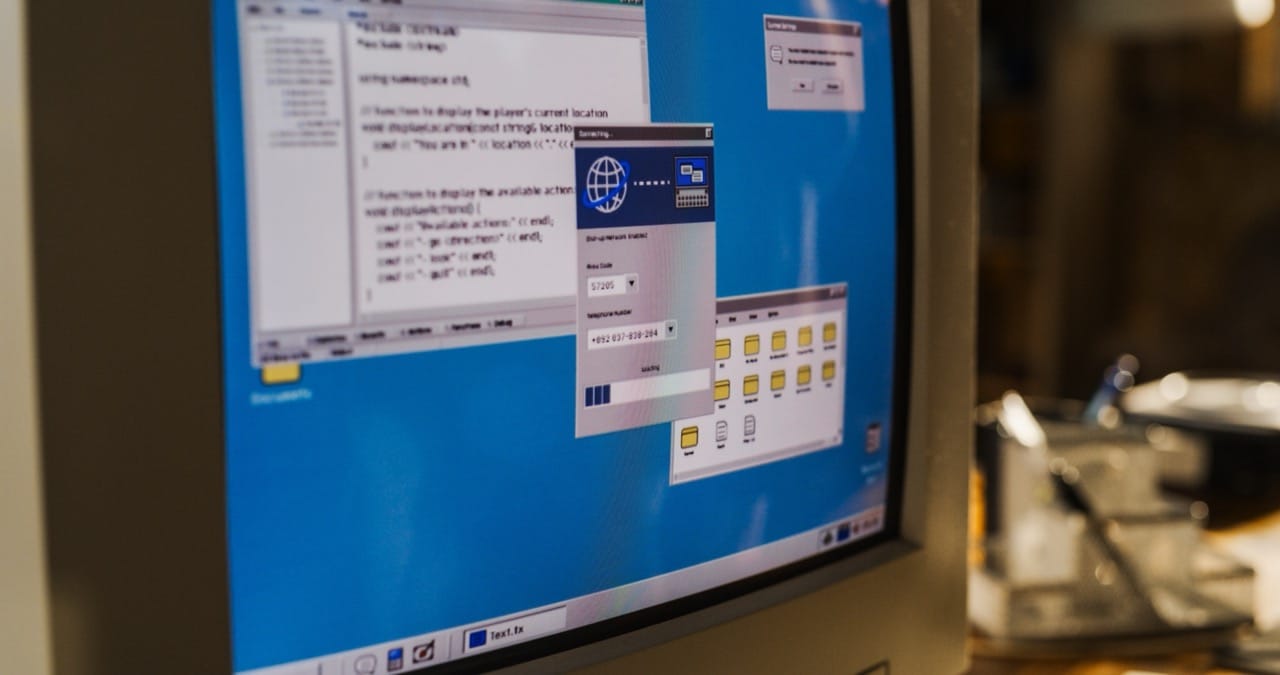
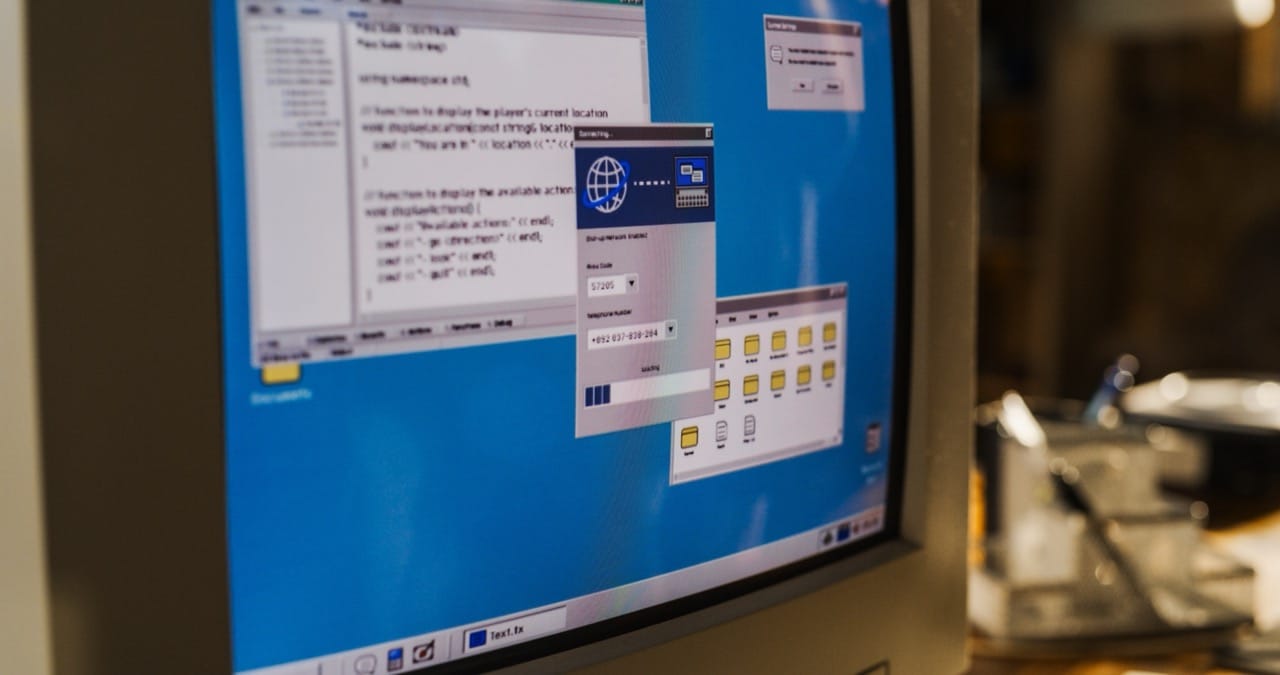
Operating systems defined the feel of the era. Windows 95 made the Start menu and taskbar mainstream, bringing a friendlier face to PCs that had often relied on DOS commands. Windows 98 improved hardware support and became a common household standard. Many users still encountered DOS underneath, especially for games or troubleshooting, and the idea of editing configuration files or managing drivers was a rite of passage. On the Apple side, the classic Mac OS emphasized a consistent graphical interface and a strong publishing and creative niche.
The internet experience was shaped by dial-up. A modem call tied up the phone line, and the handshake sounds became an audio symbol of getting online. Typical speeds moved from 14.4 kbps to 56 kbps, but real-world performance depended on line quality and the network. Pages often loaded visibly, image by image, and downloading a single song or software update could take ages. Early browsers like Netscape Navigator and Internet Explorer competed for users, while basic web standards were still evolving. Many people learned the difference between a web address and an email address the hard way, and bookmarks were treasured because search engines were less reliable and less comprehensive.
Email and file types became everyday vocabulary. Attachments introduced people to formats like TXT, DOC, and later PDF, along with compressed archives such as ZIP to make transfers faster. Images commonly appeared as JPG and GIF, the latter famous for small animations on early websites. Users also learned about executable files like EXE, sometimes painfully, when a downloaded program caused crashes or worse. Antivirus software became part of the routine as macro viruses and email-borne threats spread.
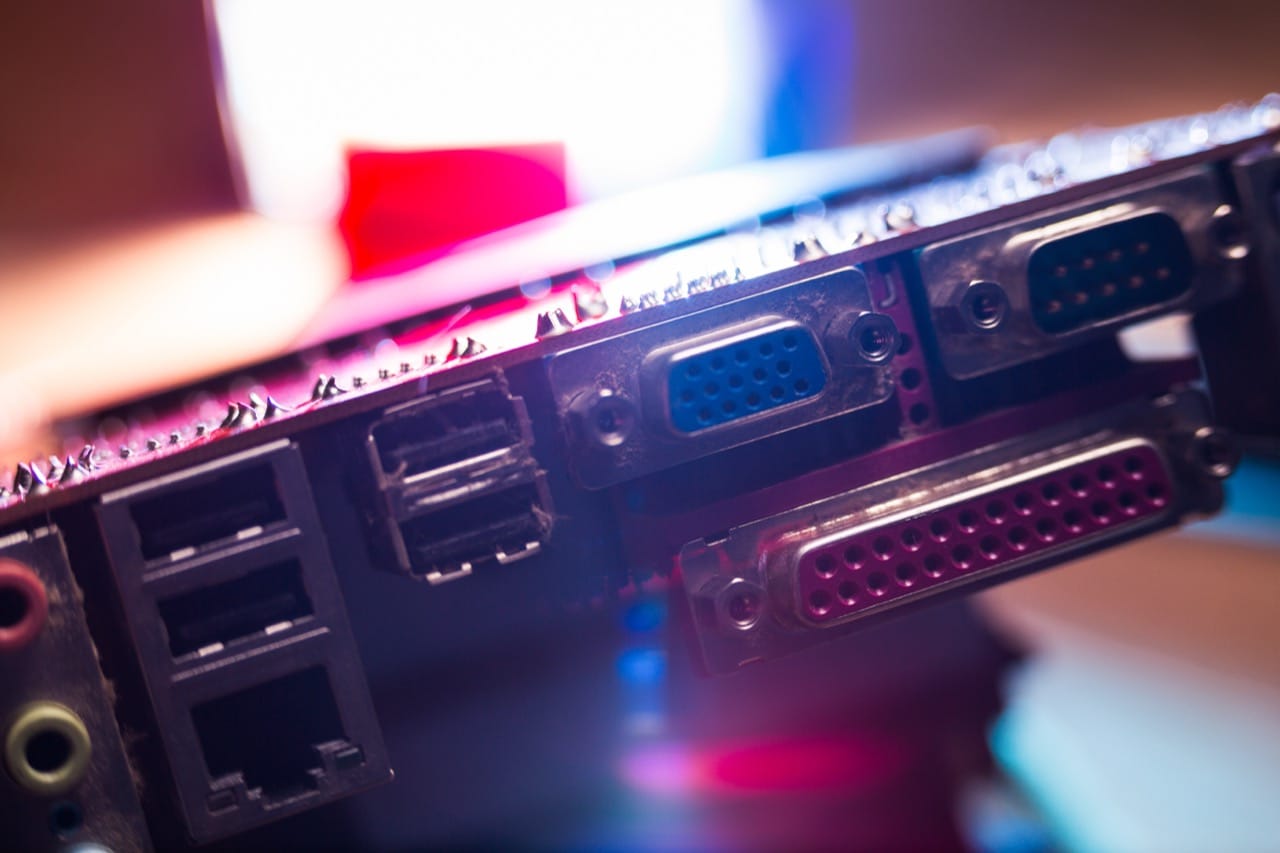
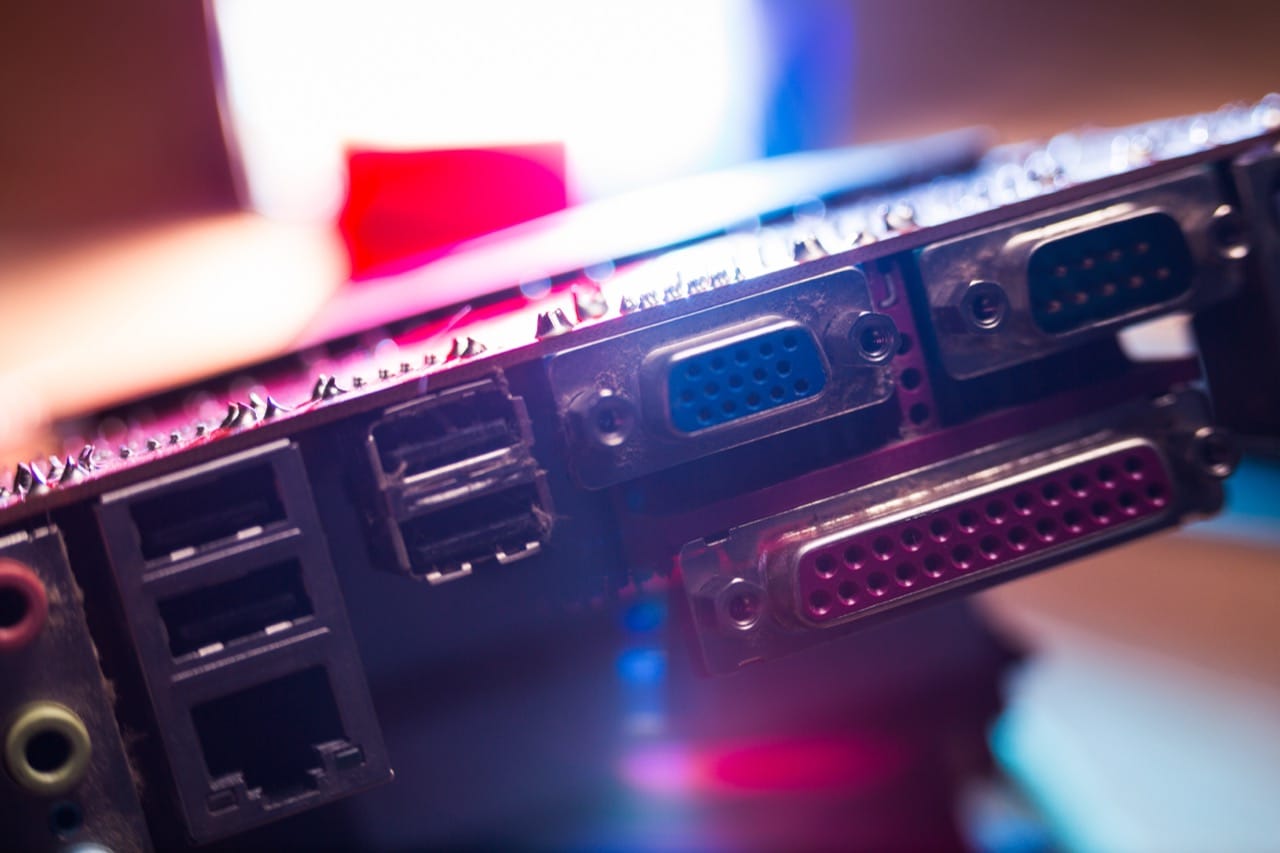
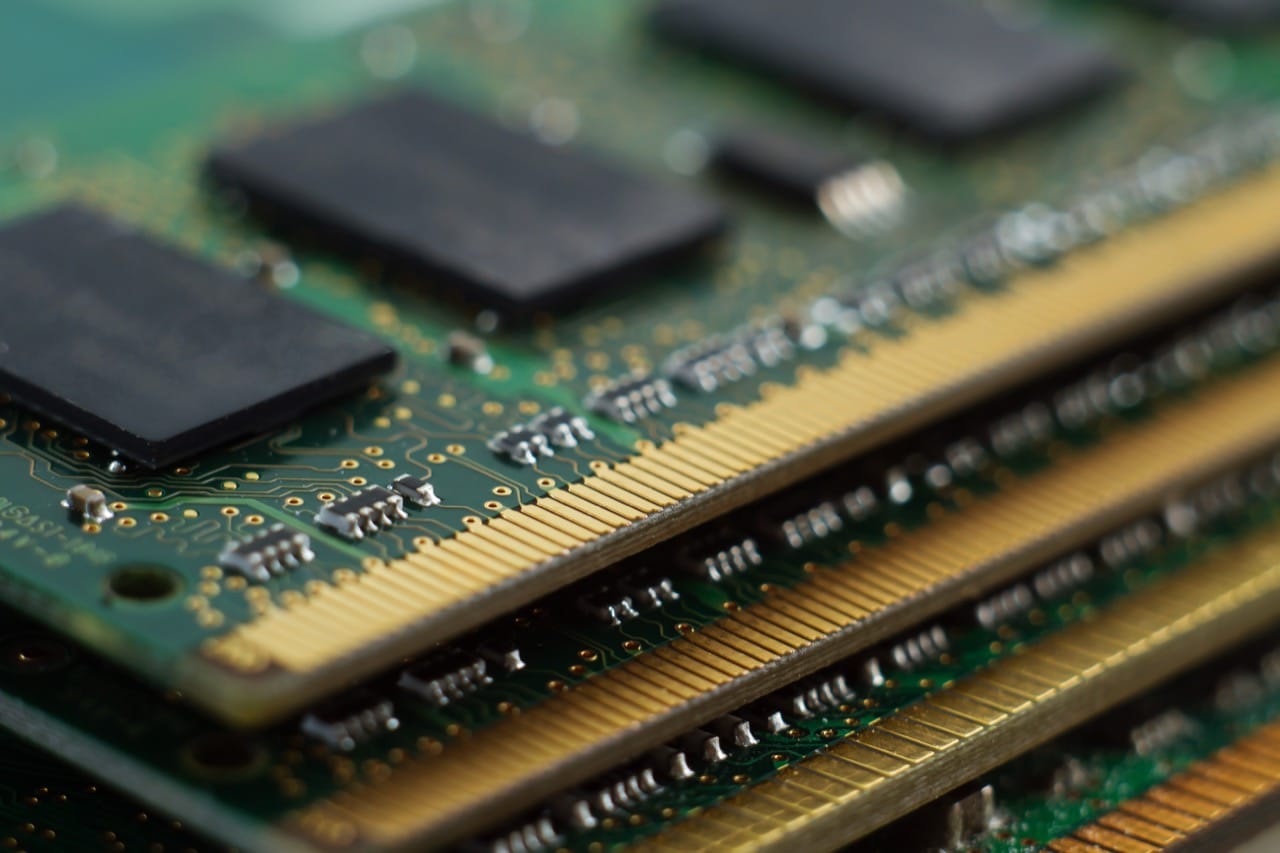
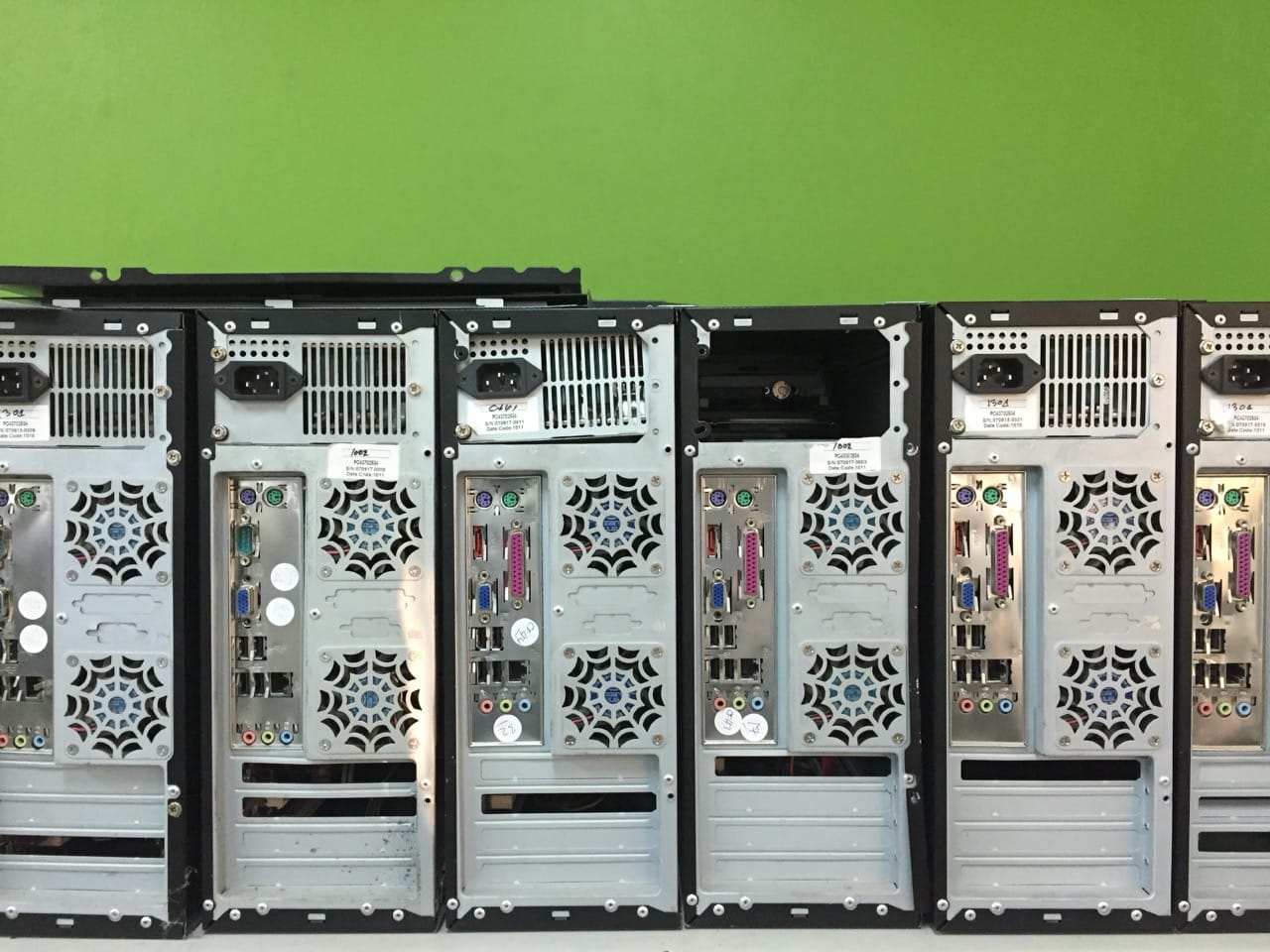
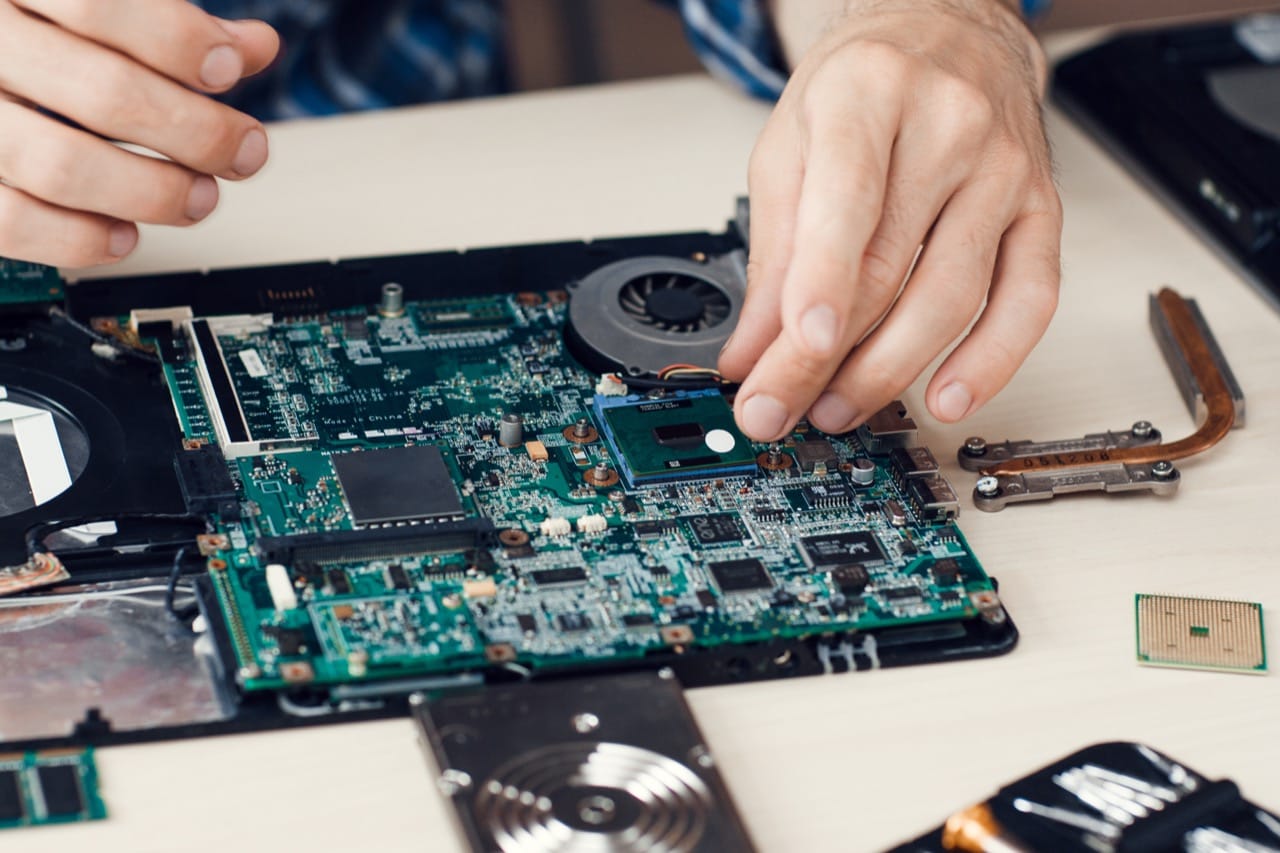
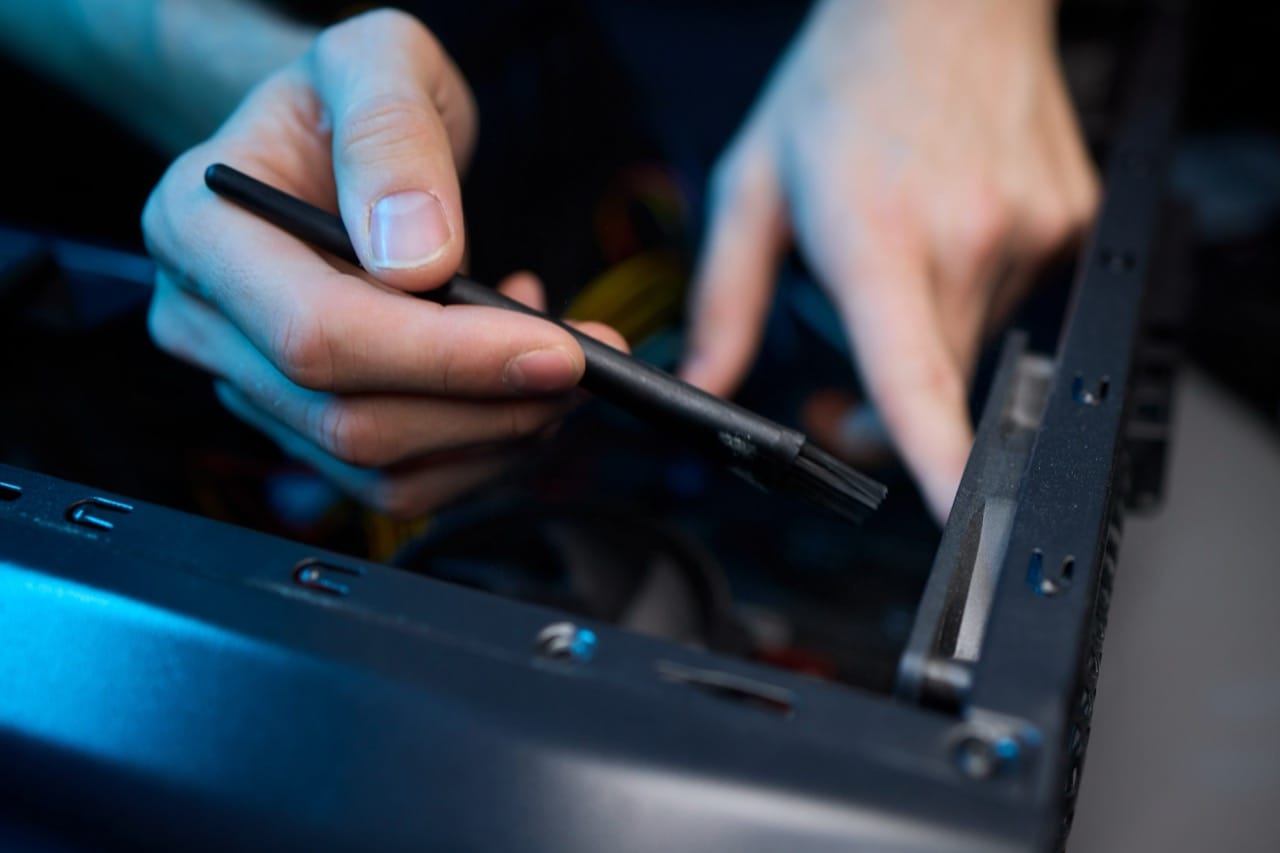
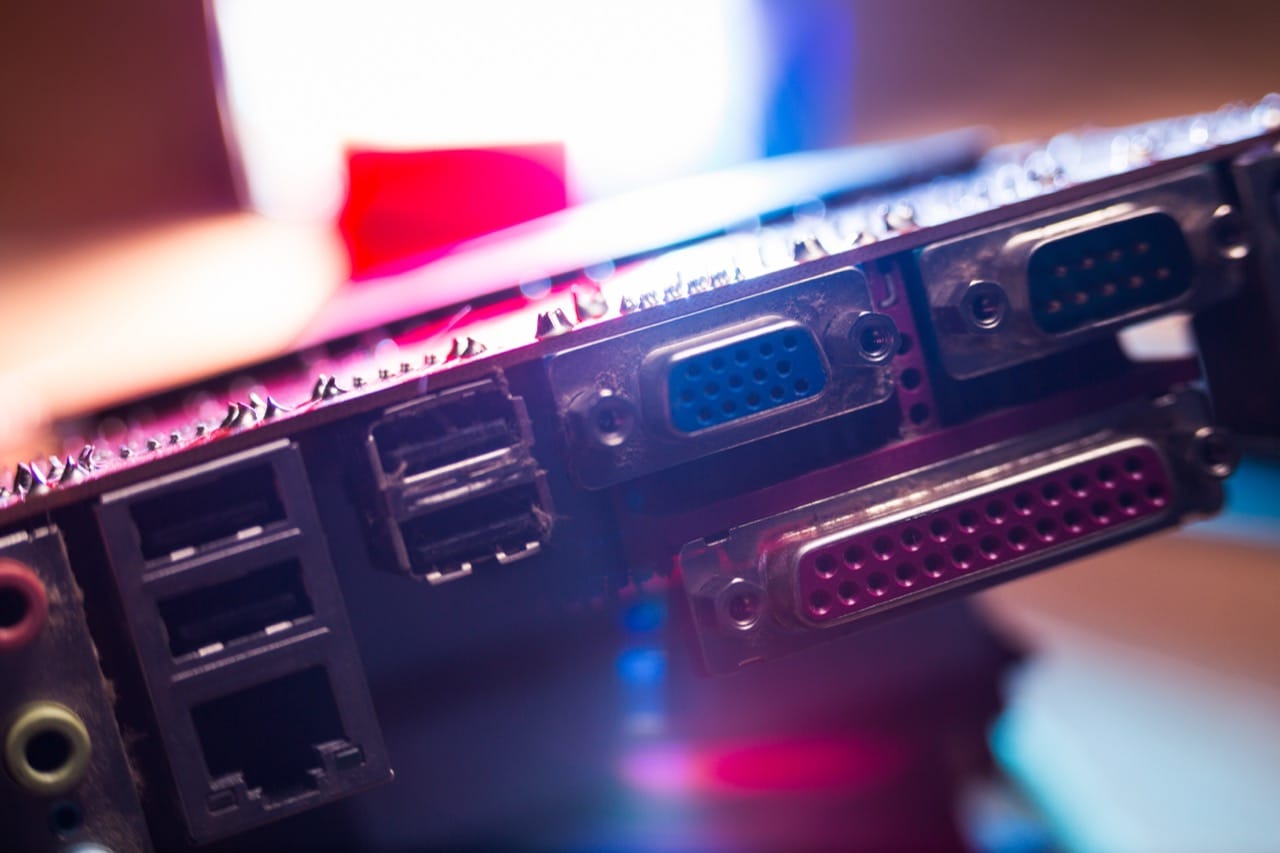
Hardware basics were equally distinctive. The back of a 1990s PC was a museum of ports: serial and parallel connectors for mice, modems, and printers, PS/2 ports for keyboards and mice, and VGA for monitors. Sound cards and speakers made multimedia a selling point, while early 3D accelerator cards transformed gaming. Inside the case, processors from Intel’s Pentium line and competitors like AMD’s K6 drove performance leaps that people could actually feel, especially when moving from a 486 to a Pentium. RAM upgrades were a common way to rescue a sluggish system, and learning how much memory you had became as normal as knowing your shoe size.
What made 1990s computing memorable was the mix of wonder and friction. You could write a paper, explore the web, chat with strangers, or play a game that felt impossibly advanced, but you also had to manage disks, drivers, and connection hiccups. Those small struggles taught practical literacy: how files are stored, why formats matter, what hardware connects where, and how the internet actually reaches your home. The quiz taps into that hands-on era, when every click and dial-up session felt like a small adventure.