Under the Hood of 90s PCs Expert Round

Quiz Complete!
Under the Hood of 90s PCs: The Hidden Rules Behind the Beige Box
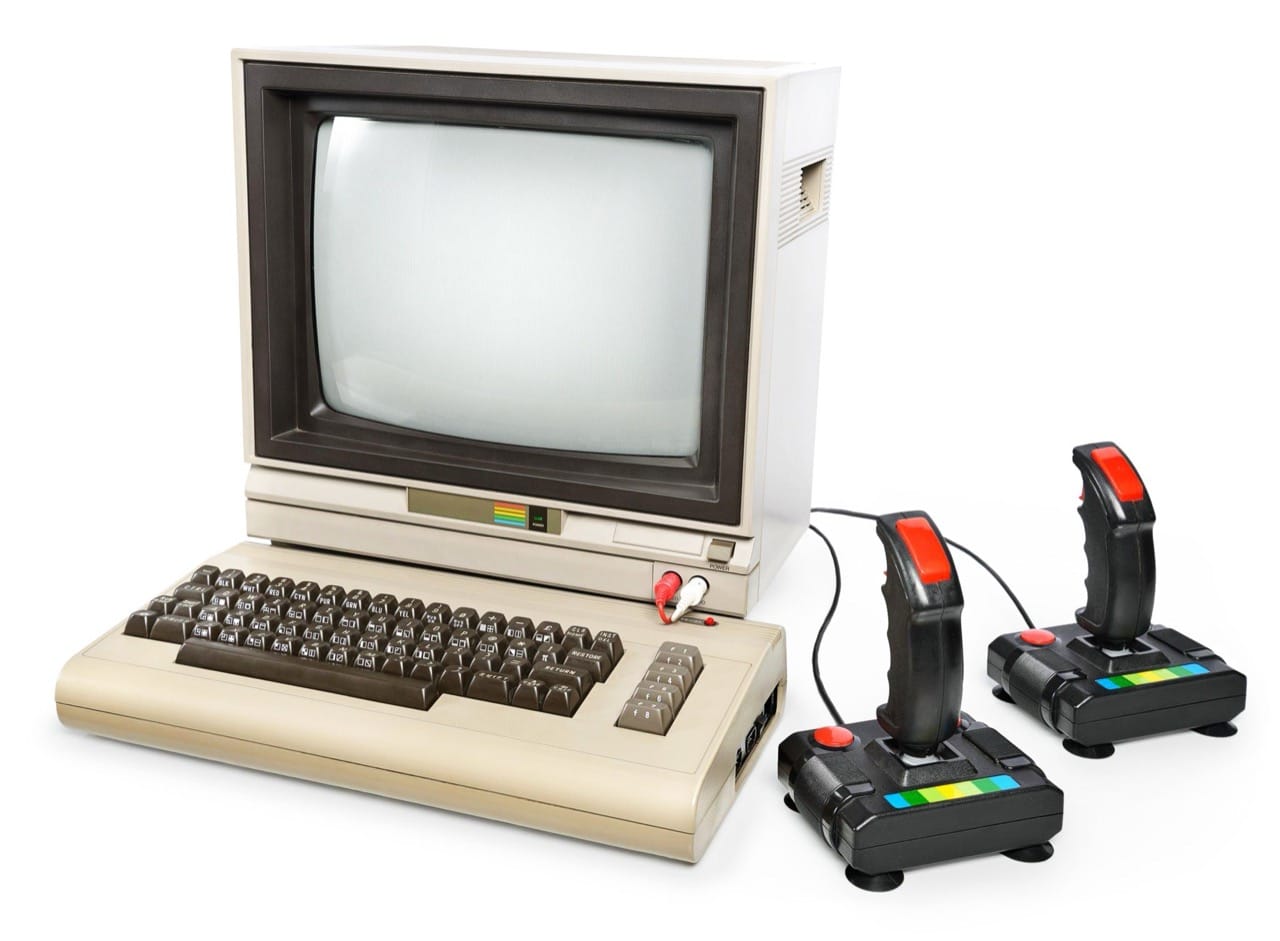
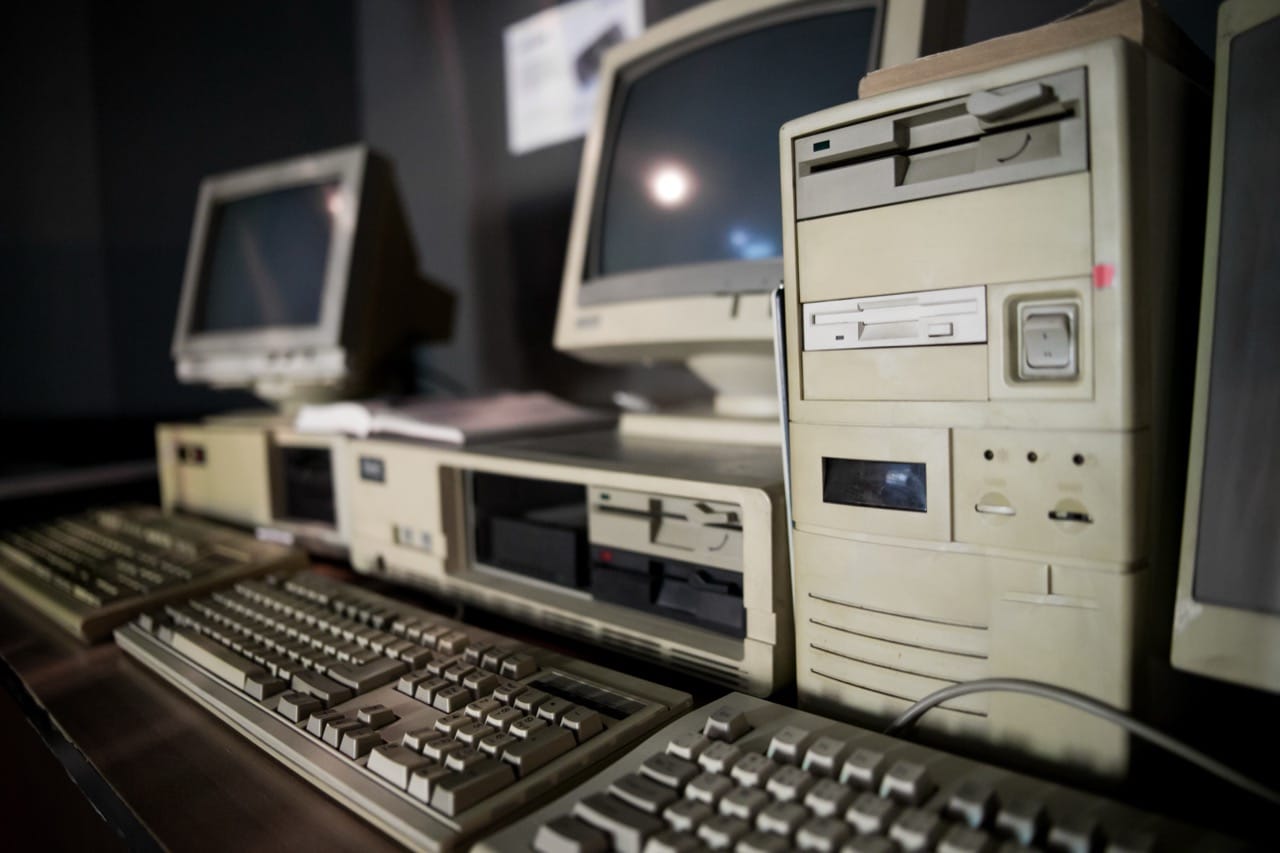
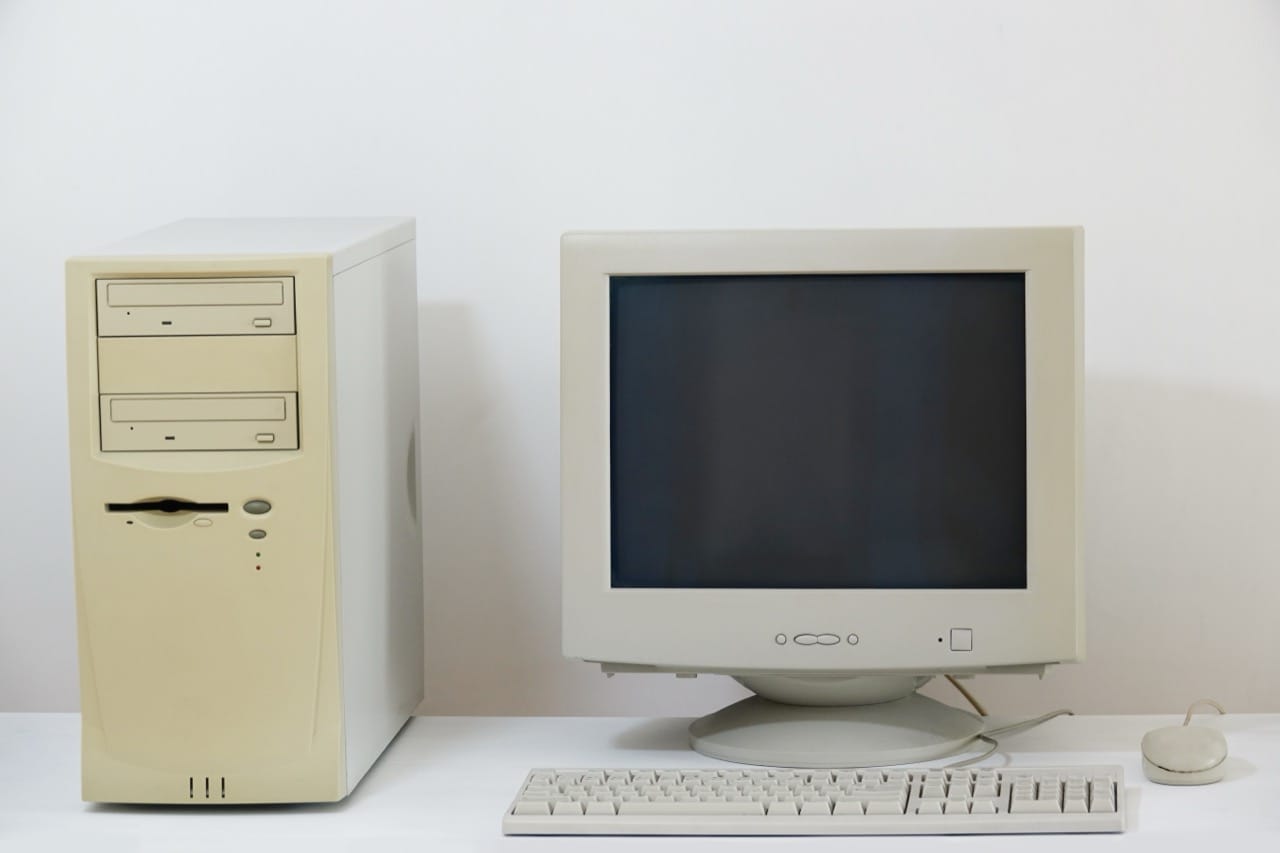
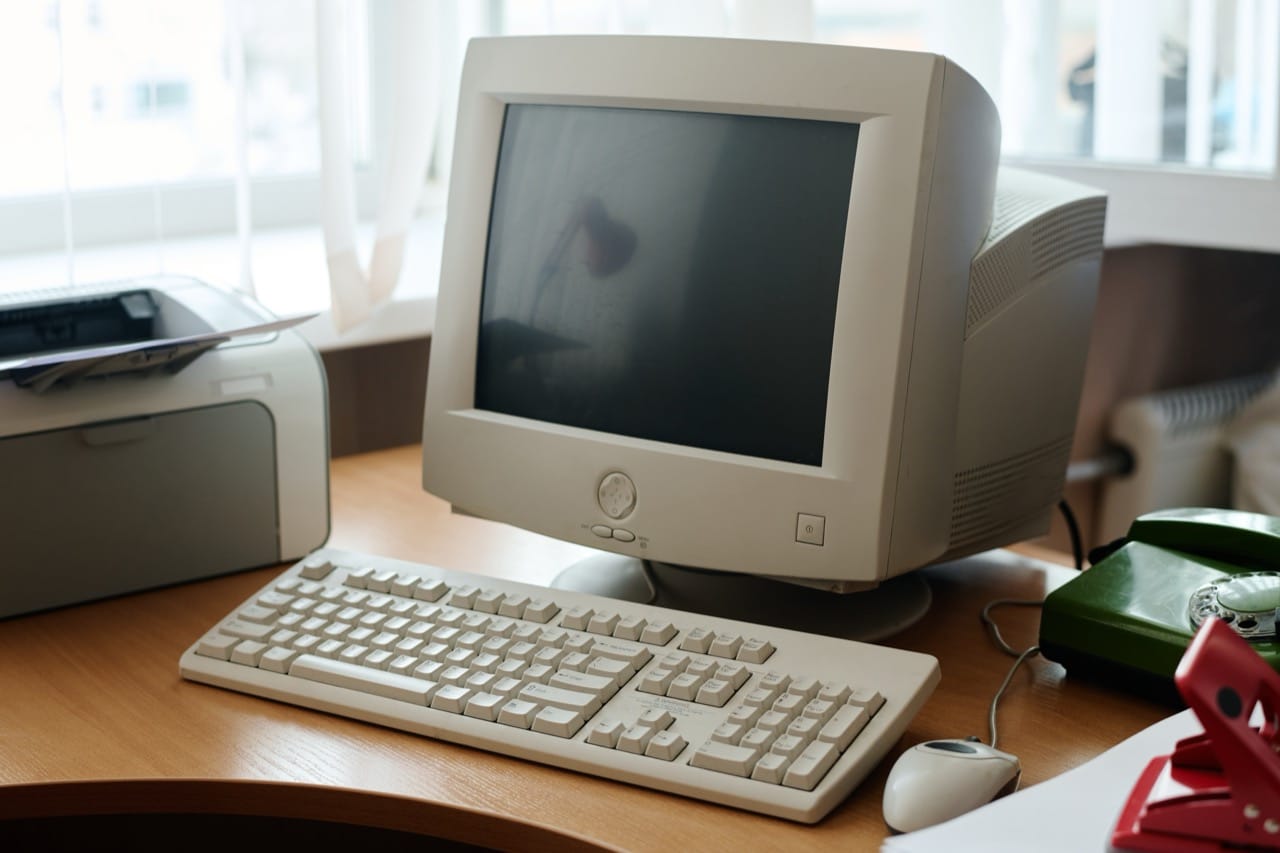
A 1990s PC looked simple from the outside: a beige tower, a chunky monitor, and a keyboard that could survive a fall. Inside, though, it was a balancing act of old design decisions and new expectations. The decade was when home computers stopped feeling like specialist gear and started becoming household appliances, but the machinery under the hood still carried quirks from the early IBM PC era. Understanding those quirks explains why so many people remember troubleshooting as part of the experience.
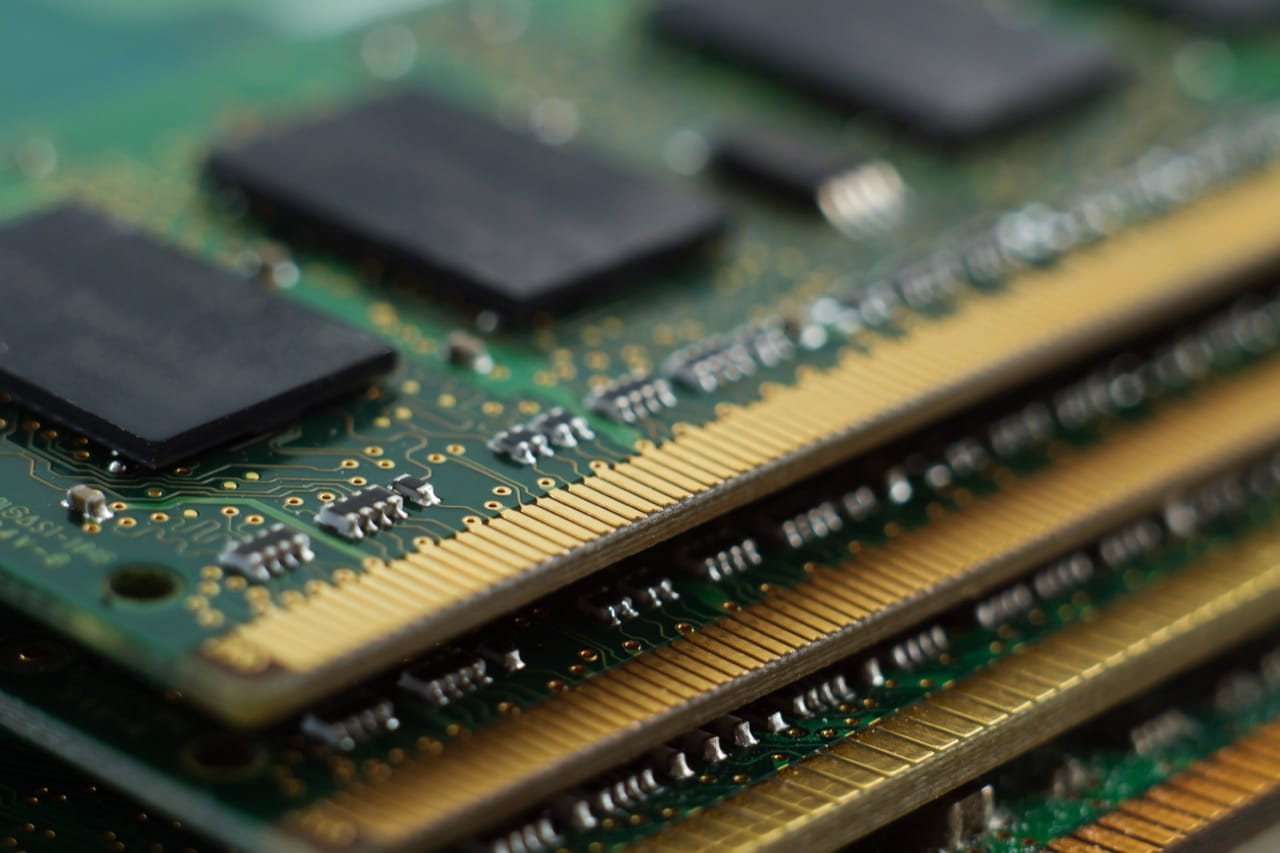
One of the strangest ideas to modern ears is “conventional memory.” Early PCs were designed around a 1 MB address space, and the first 640 KB was set aside as normal RAM for programs. The upper area between 640 KB and 1 MB was reserved for hardware and system functions, like video memory and BIOS ROM. By the 90s, computers had many megabytes of RAM, yet older DOS programs still lived and died by that 640 KB limit. This led to the ritual of squeezing drivers into upper memory using tools like HIMEM.SYS and EMM386, and carefully arranging lines in CONFIG.SYS and AUTOEXEC.BAT. If a game demanded 604 KB free and you had 580 KB, you might spend an hour rearranging mouse, CD-ROM, and sound card drivers just to gain a few kilobytes.
Booting itself depended on surprisingly small pieces. A couple of hidden system files could decide whether the machine started at all, and a damaged boot sector or missing IO.SYS could turn a working PC into a blinking cursor. On top of that, the BIOS screen was more than a logo and a memory count. The BIOS performed hardware checks, exposed settings like drive geometry and boot order, and provided a basic interface between software and hardware. Before modern auto-detection was reliable, you might need to tell the BIOS exactly what kind of hard drive you had, or at least choose the closest match. Hearing the hard drive spin up and the head seek with a chatter was a normal part of the soundtrack.
Then there were the conflicts. PCs used a small set of shared resources: IRQ lines for interrupt signals, DMA channels for fast transfers, and I/O addresses for talking to devices. Add a sound card, modem, or SCSI controller and you could accidentally assign two devices the same IRQ, leading to lockups or a mysteriously silent audio card. This is what Plug and Play tried to fix. In theory, Plug and Play let the system detect hardware and assign resources automatically. In practice, early implementations were uneven, and many users still moved jumpers, flipped tiny DIP switches, or manually reserved IRQs in the BIOS to keep Windows from making a bad choice. The phrase “Plug and Pray” didn’t come from nowhere.
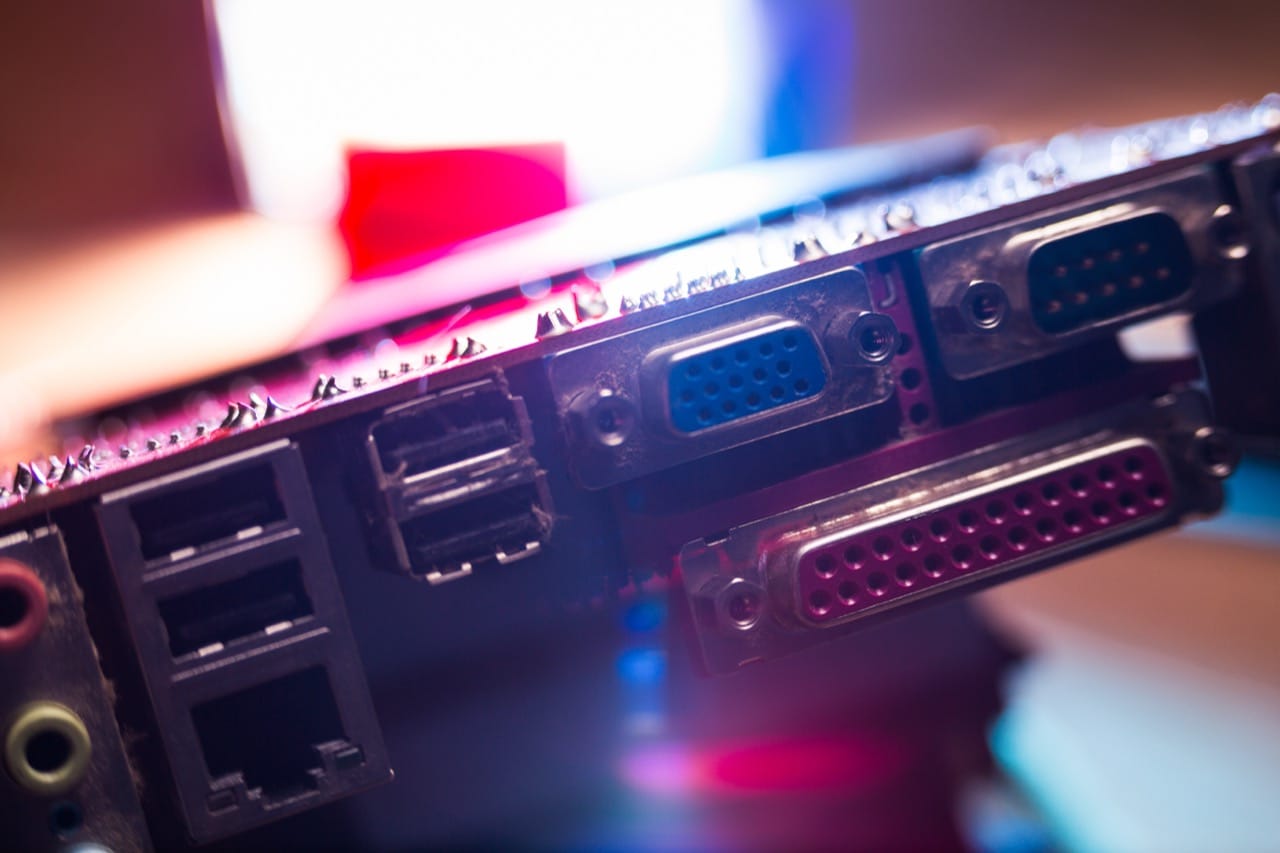
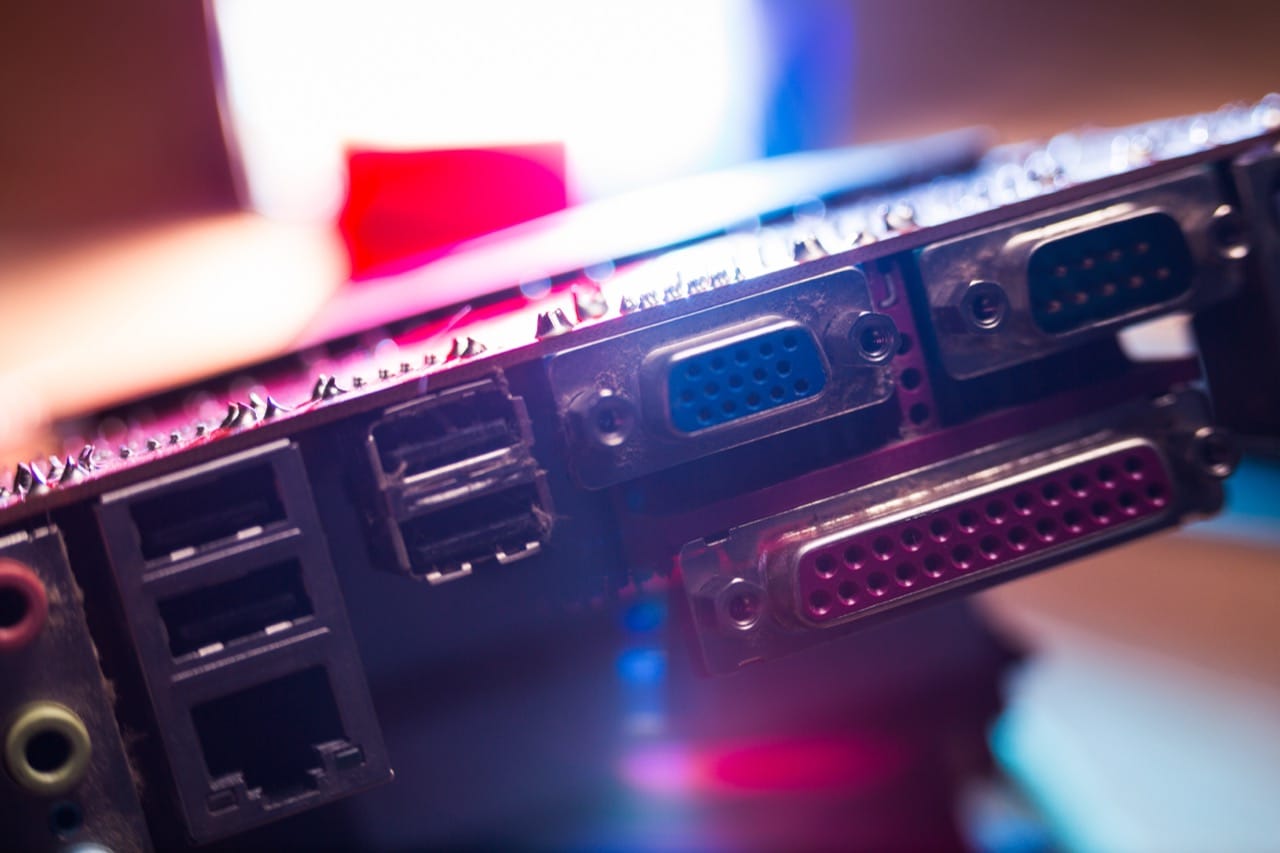
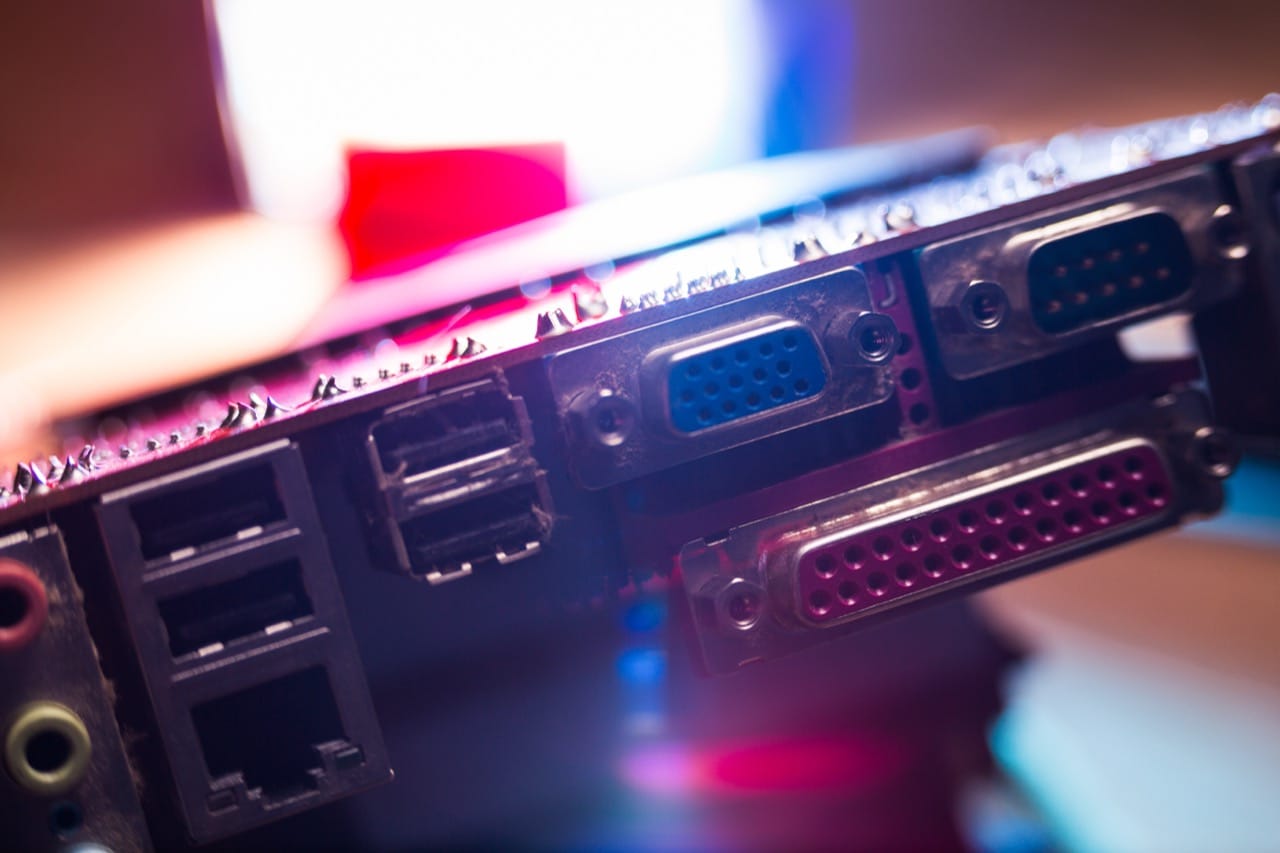
Connectors and standards were in flux too. Serial and parallel ports persisted because they were universal, even if they were slow and finicky. PS/2 ports for mouse and keyboard were common, but many machines still relied on older DIN keyboard connectors. Storage moved from floppy disks to CD-ROMs, yet booting from CD wasn’t guaranteed until later in the decade. Even the case design reflected compromise: drive bays for multiple floppy formats, front panels with turbo buttons that often did little, and power supplies that could be switched between 115 and 230 volts, sometimes with expensive consequences if set wrong.
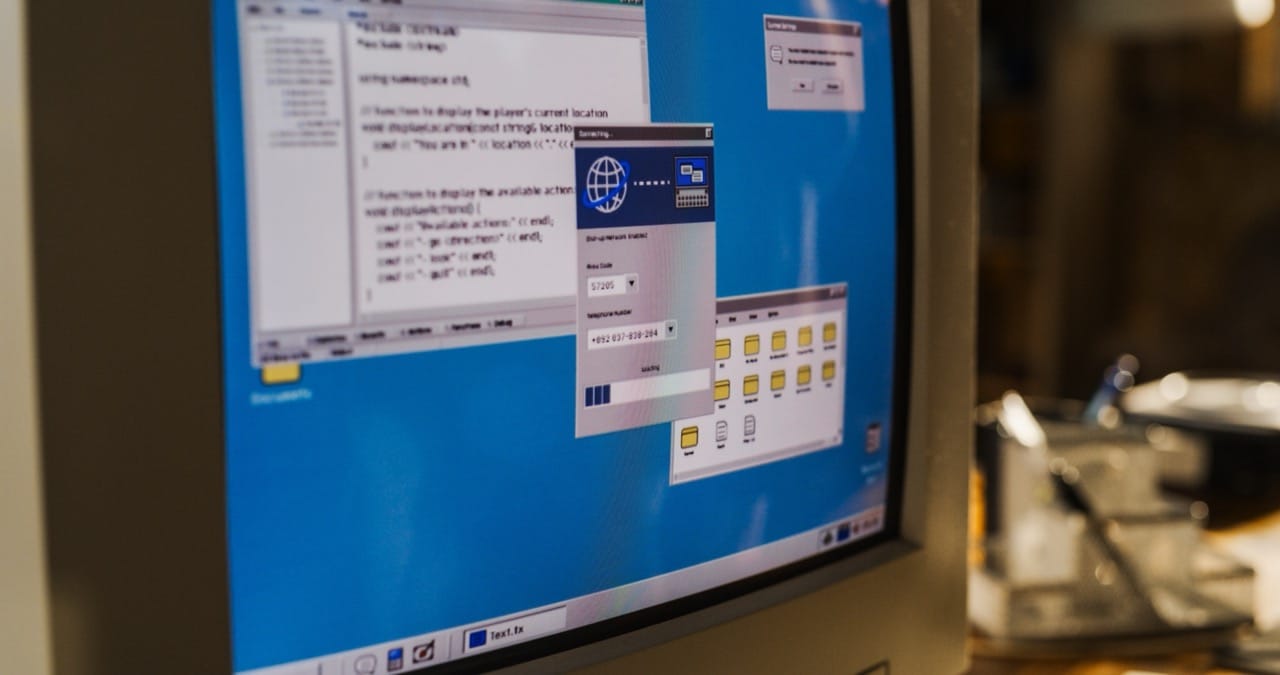
All of this shaped how people used their computers. Installing Windows could mean watching long copy phases, then hunting for the right drivers on a diskette, then rebooting again and again. Getting online might involve configuring a modem in a particular COM port, making sure it wasn’t fighting another device, and listening to the handshake tones as proof that the invisible wiring of the system was finally aligned. For many, the 90s PC wasn’t just a tool; it was a machine you negotiated with, and learning its hidden rules was part of earning the fun.